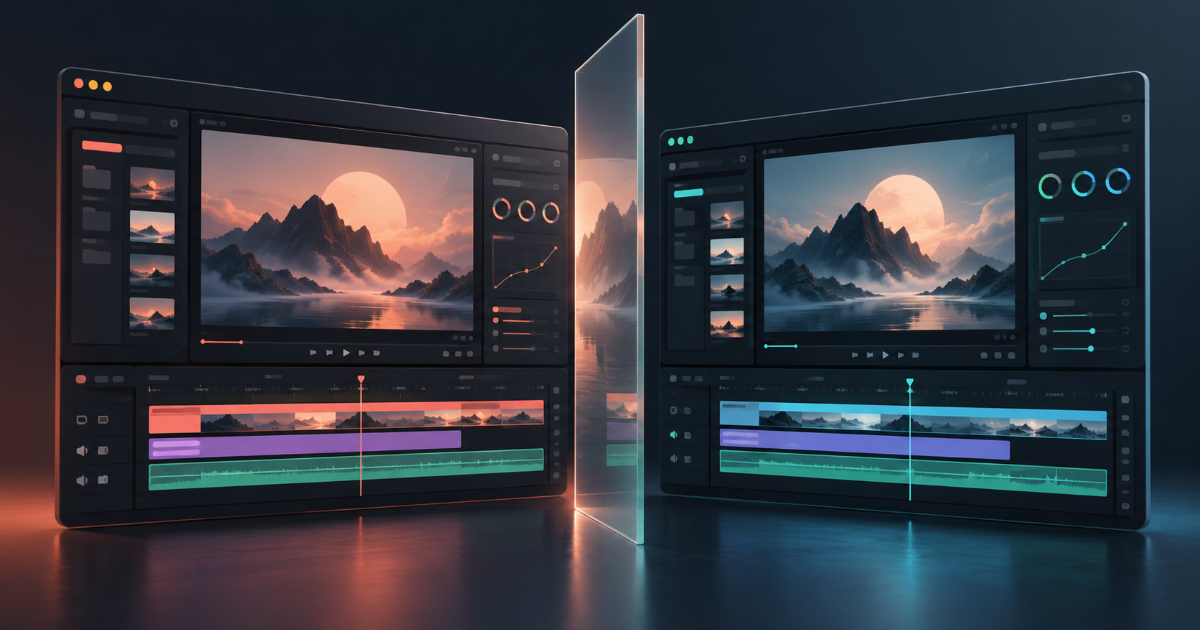
Free, open-source creative tools raise questions about switching costs, interface similarity, and readiness for professional work.
I have used Adobe products for years as a video editor, and have sometimes found the subscription cost difficult to justify. Yet moving to another tool means leaving behind a familiar workflow. ArtCraft was an appealing discovery for that reason. Its interface felt so recognizable that I also wondered how closely a new application could resemble an existing one.
For users tired of subscription costs, ArtCraft offers a free alternative. But how much of an established product’s functionality and user experience can a competitor recreate? The appeal of having another option comes with questions about developers’ rights and users’ freedom to choose.
The appeal of a screen users already understand
As of October 30, 2026, ArtCraft’s official website lists 13 applications, including the PhotoCraft image editor, FilmCraft video editor, and EffectCraft motion graphics tool. The team describes them as free, open-source applications written in Rust. These Craft Apps are distinct from ArtCraft Studio, its separate AI image and video creation application.
The team makes familiarity a selling point. ArtCraft says its layouts, tools, and shortcuts draw on what working professionals already know, reducing the need to learn a new workflow. FilmCraft’s development instructions explicitly identify parity with Adobe Premiere Pro as a goal.
Switching creative software takes time as well as money. Users must learn menus and shortcuts, move existing projects, and work out how to exchange files with collaborators. On a deadline, that leaves less time for production. A recognizable interface can make a new tool easier to try.
The difficulty is deciding where that familiarity comes from. An interface might follow common editing conventions or reproduce distinctive expression from a particular product. A first impression cannot settle the distinction.
Similarity alone does not establish infringement
Software functionality needs to be considered separately from the specific expression used to implement it. The U.S. Copyright Office explains that copyright does not protect functional aspects of a program, such as its algorithms, functions, logic, or system design. A screen’s purely functional layout or format may not qualify for protection, while copyrightable visual expression can warrant a different assessment.
The presence of a timeline, a preview monitor, or tools for cutting clips therefore does not, by itself, establish infringement. Equally, writing new code does not automatically establish that every visual element can be reproduced freely. An assessment would need to identify what is protected and what, specifically, has been reproduced.
FilmCraft’s development instructions describe the project as a “clean-room” reimplementation and prohibit the use of Adobe icons, images, or other Adobe assets. These are the team’s published development principles. They do not amount to independent verification that the team followed them throughout development, or a legal determination about the product.
The published rules and the apparent similarity of the interfaces are insufficient to establish ArtCraft’s legal status. The Copyright Office materials cited here explain general U.S. registration principles; they do not assess ArtCraft.
Looking like Premiere and replacing Premiere are different milestones
For users, readiness for real work matters as much as the legal questions. An editor may immediately know which button to press and still be unsure whether the application can carry a project through delivery.
FilmCraft’s public README identifies the application as an alpha release. It lists opening native Premiere .prproj files, hosting plugins, and sufficient testing with real-world camera and phone footage as current limitations. These limitations belong alongside its feature descriptions.
An editor moving an unfinished Premiere project to another application may care more about what survives the transfer than how familiar the screen looks. If cuts survive but titles, effects, or color adjustments change, the editor must check and repair the sequence. Switching costs include that verification time.
It is therefore premature to present ArtCraft as a complete Adobe replacement. A meaningful comparison would use the same source material to test importing, editing, saving, reopening, and exporting, then check the results. This commentary draws on public documentation and an initial look at the interface. It does not evaluate performance across the full production workflow.
Creative applications that AI agents can operate
ArtCraft also proposes another way to operate creative software. The official website says its applications are designed for control through a command-line interface, a JSON control channel, or an MCP server, allowing AI agents to operate them. FilmCraft likewise describes a structure that allows agents to execute application commands.
If this works reliably in production, a person could edit through the familiar interface while assigning repetitive tasks to an agent.
Automation alone does not establish the accuracy or reliability of its output. Users would still need to check whether commands produced the intended changes and whether the saved project and exported file were correct. The value of an agent in a creative application should be judged by how much time and correction work it actually saves.
Welcoming choice while questioning the resemblance
Frustration with Adobe’s subscription costs does not settle how closely a competing product may resemble its software. Pricing complaints cannot justify disregarding another developer’s rights. Equally, the demand for alternatives deserves attention, even when users have worked with an established product for years.
Users have also invested years in learning their tools. Shortcuts learned through repetition and well-practiced editing routines become switching costs when a different tool requires new habits. ArtCraft’s emphasis on familiarity can be read as an attempt to reduce that burden. How the team creates that familiarity still needs explanation and scrutiny.
Beyond the resemblance of the screens, there are questions to follow: whether the project follows its published development principles, resolves limitations exposed by real projects, and sustains maintenance over time. The number of free applications available to install is only one measure of choice. Users need to be able to trust a tool with their files and working hours before it becomes a practical option.
ArtCraft can feel welcome and unsettling at the same time. A familiar interface may encourage users seeking relief from subscription costs to try it. They also need confidence that they can keep working with it.